Anyone who runs ads for a small education business knows the quiet cost of creative work. The campaign budget gets all the attention, but a surprising share of a week disappears into small chores: finding the original of your own promo video, getting a clean cut of a lecture clip, pulling the audio of a testimonial so a colleague can check the wording on the train. None of these chores shows up in a report, yet they decide how fast a test goes live.
This article looks at one small tool through that lens. The question is not whether it is exciting. The question is what it saves, how you would measure the saving, when it earns a place in your routine, and when you can safely ignore it.
A marketer's desk with a laptop showing a YouTube video next to a notebook of ad test notes
The situation: a three-person team and a Friday deadline
Picture a small tutoring center that runs paid social ads for its weekend courses. The team is three people: an owner who films short explainer clips, a part-time editor, and someone who manages the ad account. The owner uploads every clip to the center's YouTube channel first, because that is where the longer version lives. On Thursday night the editor realizes that the ad set for Friday needs two things: the explainer in full resolution for a vertical crop, and a clean audio track to check against a script.
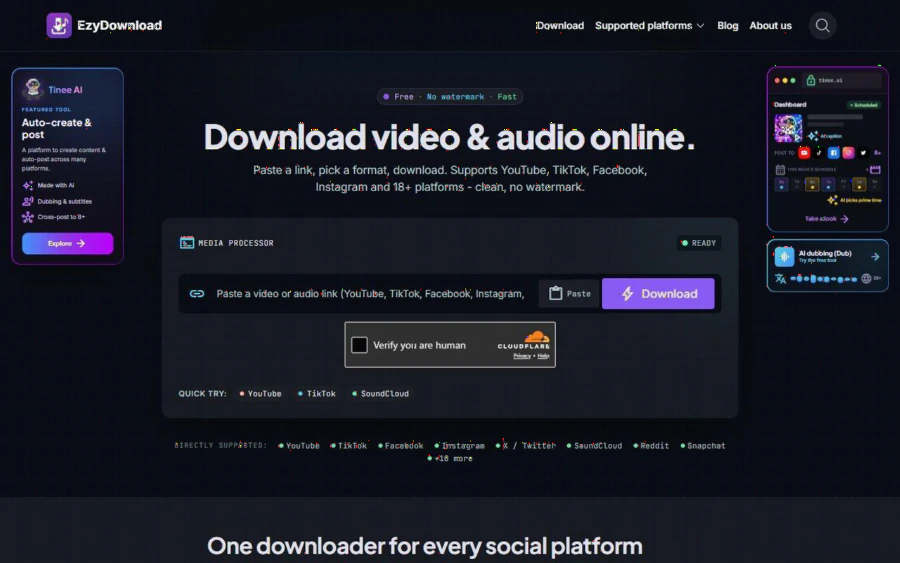
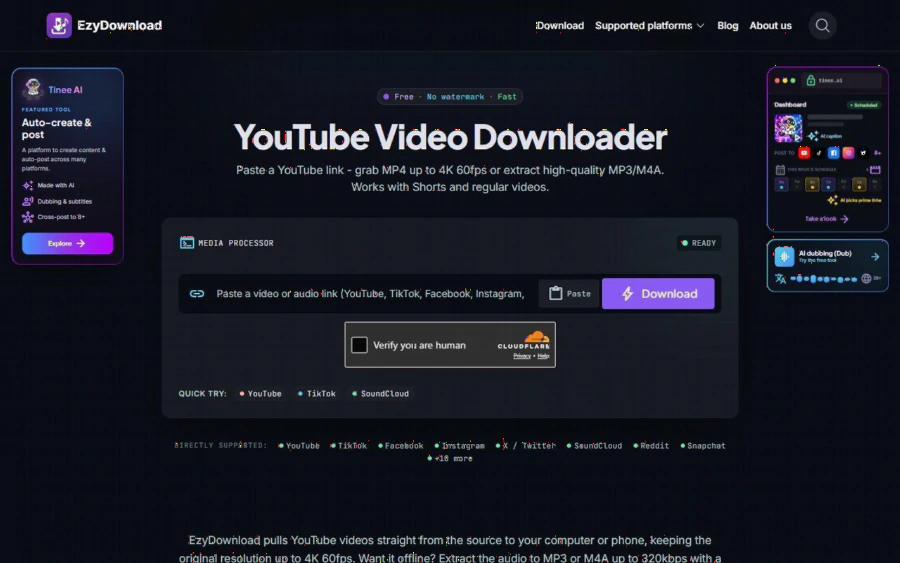
The original files are on the owner's phone, which is at home. The only copy within reach is the one on YouTube. This is the kind of small friction that adds up, and it is exactly where paste a YouTube link and pick MP4 or MP3 becomes relevant. The page describes a simple flow: you paste the link, the tool analyzes it, you choose video or audio, pick a quality, and download. There is no account to create and no email to give.
One boundary matters here and it is worth stating plainly. The scenario above works because the team is downloading its own channel's content. Saving someone else's video for reuse in an ad is a different matter, and it is a rights question that no downloader can answer for you. The tool's own page does not discuss licensing, so treat that part as your responsibility.
What the tool actually does, according to its own page
Based on what the page says, the YouTube downloader handles regular videos and Shorts. For video, it lists MP4 options up to 4K, with 2160p, 1440p, 1080p at 60fps and 720p mentioned by name. For audio, it offers MP3 or M4A at up to 320kbps. The page says streams are pulled straight from the source, so quality is not re-compressed by the tool.
A detail that matters for editors: the page explains that from 1440p upward, YouTube splits video and audio into separate streams, and that the tool merges them into one complete file so a high-resolution download still has sound. If you have ever received a beautiful 4K file with no audio, you know why that line is on the page.
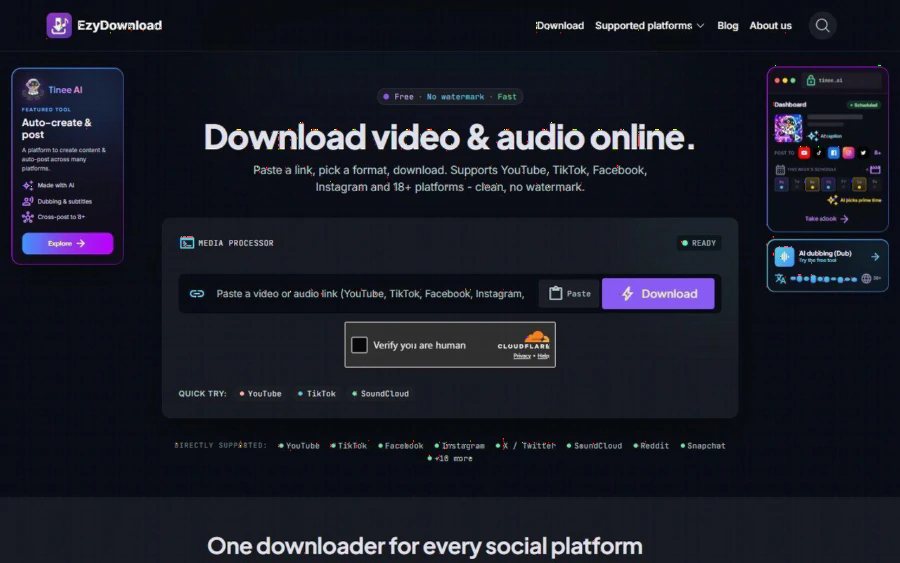
The wider product covers more than YouTube. The page lists more than 18 platforms, including TikTok, Facebook, Instagram, X, and SoundCloud, and it says the tool can remove logos and watermarks on supported sources. The service does not store files on its servers and does not require login. It also states what it will not do: it cannot download private content, content behind a paywall, or anything protected by DRM.
What it saves, and how you would measure it
Saving is easy to claim and hard to prove, so here is a way to keep yourself honest. The price side is simple: the page states the tool is completely free, with no paid plan, no sign-up, and no email required. So the cost you are weighing is not money. It is the few minutes of attention and the quality risk of using one more tool.
That leaves time and rework as the things to measure. For one month, keep a plain tally with three columns:
- How many times you needed a copy of your own published video or audio and did not have the original at hand.
- How long each retrieval took from the moment you started looking until the file was in your editor.
- How many times a retrieved file had to be redone because it was too low in resolution, had no sound, or was the wrong format.
The first column tells you whether the problem is real for your team. The second gives you the actual minutes. The third is where this particular tool aims: the page claims to keep original resolution up to 4K and to merge split streams, so if your rework count drops, that claim holds up in your own workflow. If it does not, you have learned something too.
I am deliberately not giving you a number of hours saved. The page does not publish any benchmark, and inventing one would be exactly the kind of invented evidence that makes tool reviews useless.
A checklist on a screen with columns for retrieval count, minutes spent, and redo count
Where audio extraction pays off for ad work
Audio-only downloads are the less glamorous feature, but for ad teams they can be the more useful one. The page positions MP3 and M4A for music, podcasts, audiobooks, and lectures, and notes that audio-only files use far less storage than the full video. It also gives a practical split: MP3 plays on every device and is safe to share, while M4A is smaller at the same quality and suits Apple devices.
In the tutoring center example, the audio track serves a very concrete purpose. The ad manager listens to the voiceover on a phone and checks the claims against the approved script, line by line, without opening a video editor. A 320kbps file is more than enough for reviewing wording, and a small file moves through a chat app without fuss. The page does not say how large the files are, so check one on your own connection before you build a habit around it.
Long videos are another fit. If the owner records a forty-minute workshop and the team wants to mine it for short quotes, listening to an audio-only copy during a commute is a reasonable first pass. Then the editor goes back to the video only for the moments worth cutting.
When it is worth using, and when it is not
Here is the plain verdict, based on what the page offers and what it leaves out.
It is worth a place in your routine if you publish video on public platforms, you regularly need a local copy of your own work, and you lose time to the original files being somewhere else. The no-account, browser-based design also suits a team where people borrow each other's laptops, because nothing needs to be installed or signed into. The free price removes the approval step that paid tools often trigger.
It is not worth adding if your production already keeps organized masters. A team that stores every export in a shared drive, with clear names, will rarely need to pull a copy back from a public platform. In that case the tool solves a problem you do not have, and one more bookmark is just noise.
It also will not help in several situations the page itself rules out. Private videos, paywalled content, and DRM-protected material are outside its scope. And it cannot decide whether you are allowed to reuse a clip. If a video belongs to a competitor, a creator, or a stock library, the right move is to get permission or a license, not to find a better downloader.
The page does name other tools in this space, such as SaveFrom.net, Y2mate, and SnapInsta, but it does not publish a side-by-side comparison, and I have not found pricing or feature claims for those services in the material provided. If you are choosing between them, run the same test link through each and compare the output yourself.
A simple trial plan before you commit
If the tally above makes you think the tool might fit, run a short trial rather than a rollout. Pick one video from your own channel, a regular upload and one Short if you have both. Download the video at the highest resolution you actually need, which for most social placements is 1080p, not 4K. Download the audio as MP3. Then open both files in your normal editor and check three things: the resolution is what you picked, the audio is present and in sync, and the file plays on the device your reviewer uses.
If all three pass, note the minutes the whole exercise took and compare with your usual method. If one fails, you have a concrete reason to skip it and nothing was lost. That is the entire point of choosing a free tool: the experiment is cheap, and the decision rests on your own evidence rather than on a promise.
The takeaway
For an ad team, the value of a downloader is measured in avoided delays, not features. EzyDownload's YouTube page describes a free, no-login tool with solid format coverage: video to 4K, audio to 320kbps, Shorts and regular videos, merged streams for high resolutions. It states clearly what it cannot fetch. Whether it earns a spot in your workflow depends on one honest question: how often do you need a copy of your own public video and not have it? Count that for a month, and the answer will be in your notes rather than in anyone's marketing copy.